
The workspace

MeetTally.

Tally is where you see and control the workflows we build: what is running now, what has already happened, and anything waiting on a decision from you.

One place where your team stays in control.

We handle the systems, integrations, automation and AI.
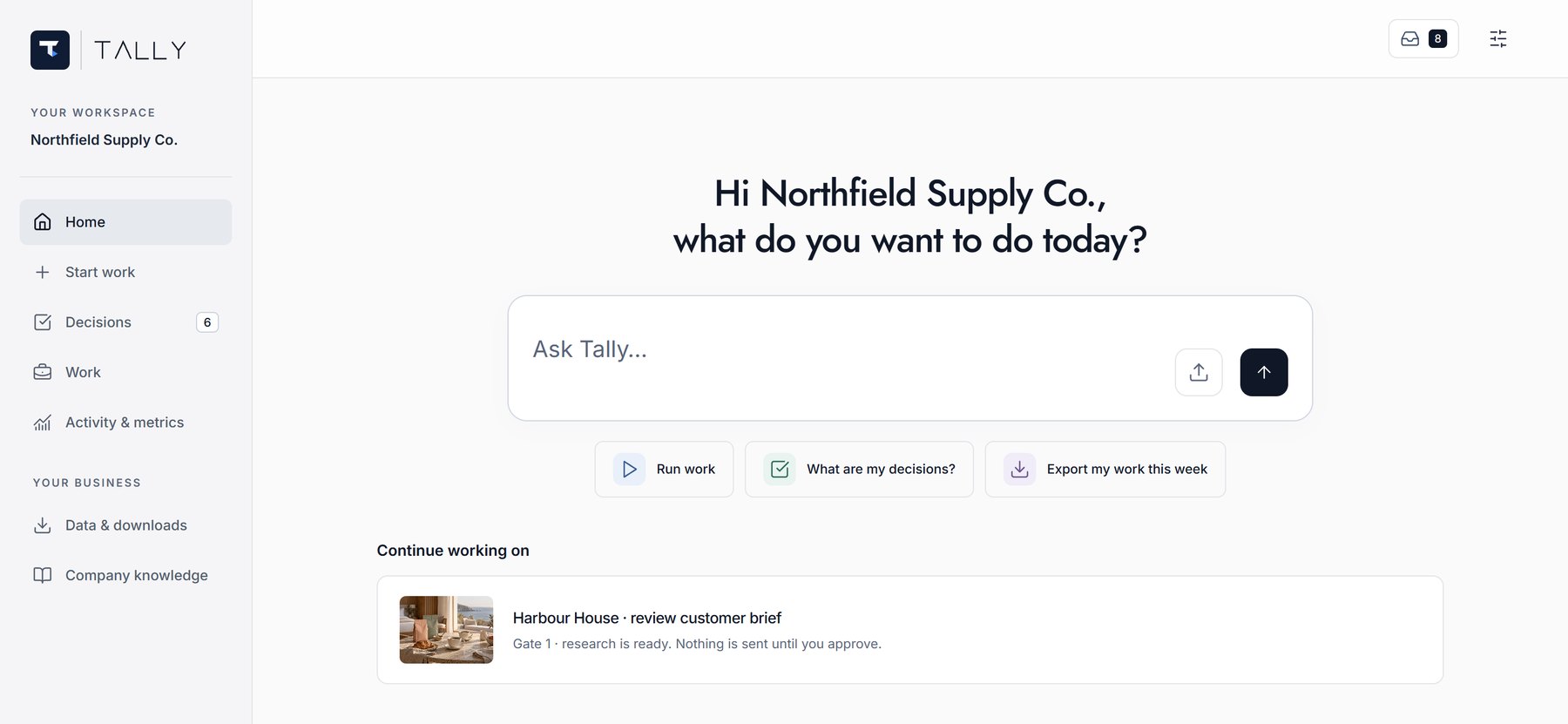
  • ApproveStep in where a decision needs judgement, and sign off before the workflow continues.
  • MonitorSee what’s running, waiting or completed.
  • HistoryTrace any past run step by step, with times and outcomes.
Talk to us How your data is secured
What you actually see

See a workflow run from trigger to completion.

Recorded on a sample workspace, with a sample company and sample figures. The product is real.

Small screen? Tap the full-screen icon in the player.

Ask, in plain English
Tally assistant answering which approvals are waiting, listing the two pending approvals with a link to open them.
See everything at a glance
Tally dashboard: a verdict line, runs-per-day chart, per-automation breakdown and a live run table.
Review a request before you approve
Tally approvals: a supplier price change with the annualised impact, waiting for a signature.
Watch the work, step by step
Tally workflow board: the Quote Desk automation drawn as steps from inbox to approval to output.
Connects to the tools you already use
Tally connector catalogue: cards for Outlook, HubSpot, NetSuite, Notion, Microsoft Teams, QuickBooks and more.
Results land as live data
Tally data table: forty enriched leads with company, role, email and status columns.

Screenshots from the sample workspace. No client is named and no figure is real.

Software security

How your data is protected.

Learn how Tally protects your data, controls access to your workspace, and records workflow activity.

01 / Encryption

Protecting stored credentials

Your browser connects to Tally over HTTPS. Saved integration credentials are encrypted, and account passwords are stored as hashes rather than readable text.

02 / Workspace access

Access based on your role

Your team works within a client workspace. Permissions determine what each person can see and do. DDX operators have separate access to manage and support the service.

03 / Sign-in & activity

Extra protection at sign-in

Two-factor authentication adds a code from your authenticator app to your password. Sessions expire after an hour of inactivity, and significant actions are recorded in an audit log held by DDX.

04 / Your data

Export your workspace data

A workspace export is available in Settings, with limits stated in the file. Our Privacy and Data Policy explains how we handle data, including deletion and records we retain.

Need more detail? Read our Privacy and Data Policy or talk to us about your requirements.

Next step

See it running on your own work.

We build the automation, we operate it, and Tally is where you watch it. Start with a conversation about what it would run for you.

Find it. Build it. Run it.